Desk Setup Tips for People Who Sit All Day
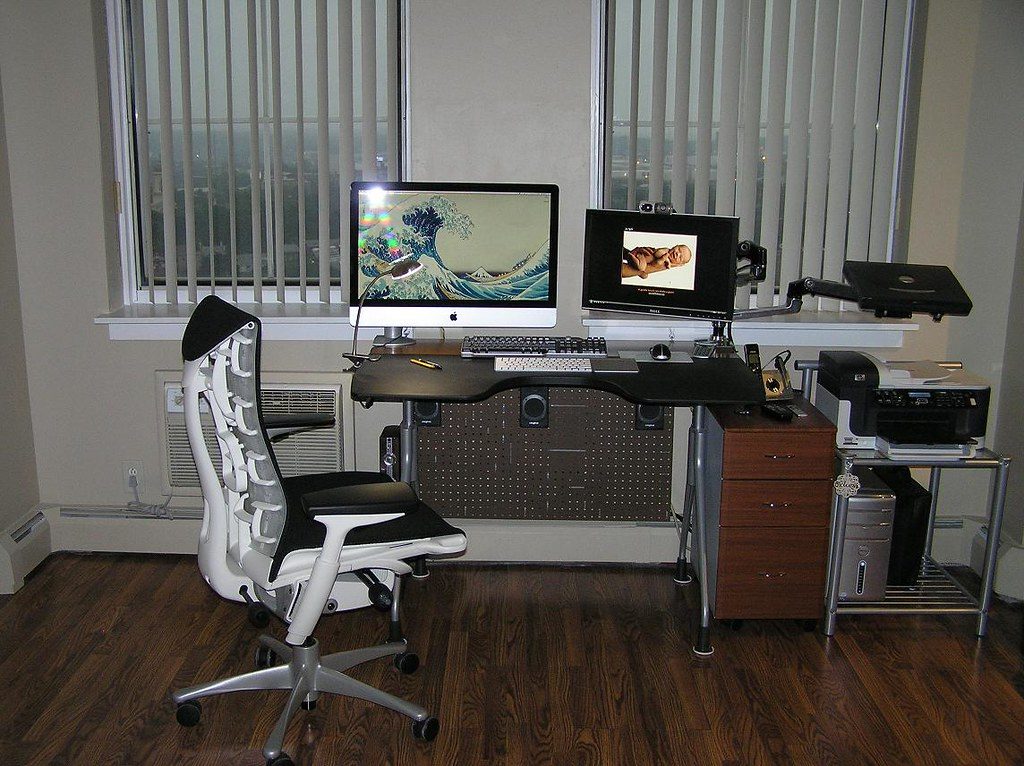
If your day is mostly spent at a desk, small setup tweaks add up. None of this requires a fancy chair — just a few sensible adjustments and the willingness to get up now and then.
Start with the screen
The top of your monitor should sit roughly at or just below eye level, about an arm's length away. If you're looking down at a laptop all day, a stand (or a stack of books) plus an external keyboard can transform how your neck feels by evening.
Posture, gently
“Sit up straight” is easier said than done for eight hours. The realistic goal is a neutral, relaxed position — feet flat, shoulders down, screen ahead — and frequent small changes rather than one perfect frozen pose. Some people find a posture aid a helpful reminder to reset, though the best posture tool is simply moving more often.
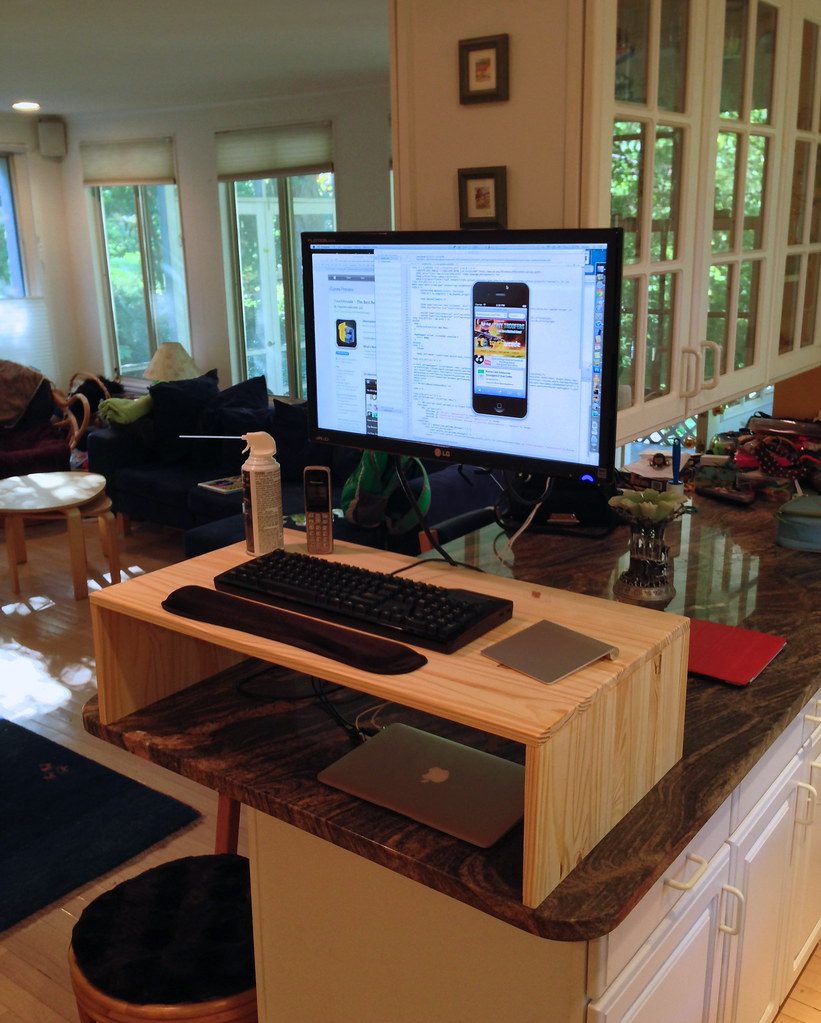
Move more than you think you need to
- Stand up at least once an hour — even a lap to refill your water.
- Roll your shoulders and look away from the screen periodically.
- Try the 20-20-20 habit to rest your eyes.
- Alternate sitting positions rather than holding one all day.
Lighting and screen glare
Harsh overhead light and a bright screen in a dim room are both hard on the eyes. Aim for even, soft lighting, and reduce screen glare where you can. If you're on screens for long stretches, blue-light computer glasses are a small comfort upgrade many desk workers appreciate — we explain the basics in blue light 101.
Small comfort upgrades
Beyond the essentials, a few low-cost extras make long days nicer: a footrest, a supportive cushion, or an automatic foot massager for the end of the day. We rounded up more of these in small home upgrades.
The takeaway
A comfortable desk setup is mostly free — screen height, posture, lighting and movement — with a few inexpensive accessories to smooth the edges. If you have persistent back, neck or wrist pain, that's worth raising with a healthcare professional rather than self-treating with gadgets.
Your chair and your feet
A comfortable base makes everything above it easier. Aim for feet flat on the floor (or a footrest), knees roughly level with your hips, and enough back support that you're not slumping by mid-afternoon. You don't need a designer chair — a cushion and a footrest can rescue a basic one surprisingly well.
And give your feet some love at the end of a long day. A few minutes with an automatic foot massager is a small, pleasant way to close out desk hours — a reward that also nudges you to actually stand up and step away from the screen.
Keyboard, mouse and wrists
Keep your wrists roughly neutral — not bent sharply up or down — and your elbows close to a right angle. If you're reaching or hunching to type, something's too high or too far away. Small adjustments here prevent the nagging aches that build over weeks of repetition.
Protect your eyes over long sessions
Eyes get tired long before we notice. Beyond the 20-20-20 habit, keep your screen a comfortable distance away, dial back excessive brightness, and consider blue-light glasses if you're staring for hours. It's a comfort measure, not a cure — but for many desk workers it makes the back half of the day feel easier.
The habit that beats every gadget
If you take one thing from this guide, make it this: get up and move regularly. Every ergonomic tweak and comfort accessory is there to support a body that's moving often — not to make sitting still all day harmless. Set a gentle hourly nudge, and let the rest of your setup do the supporting.
Make long desk days easier
Posture aids, comfort devices and blue-light eyewear for desk life.
Shop the store →